
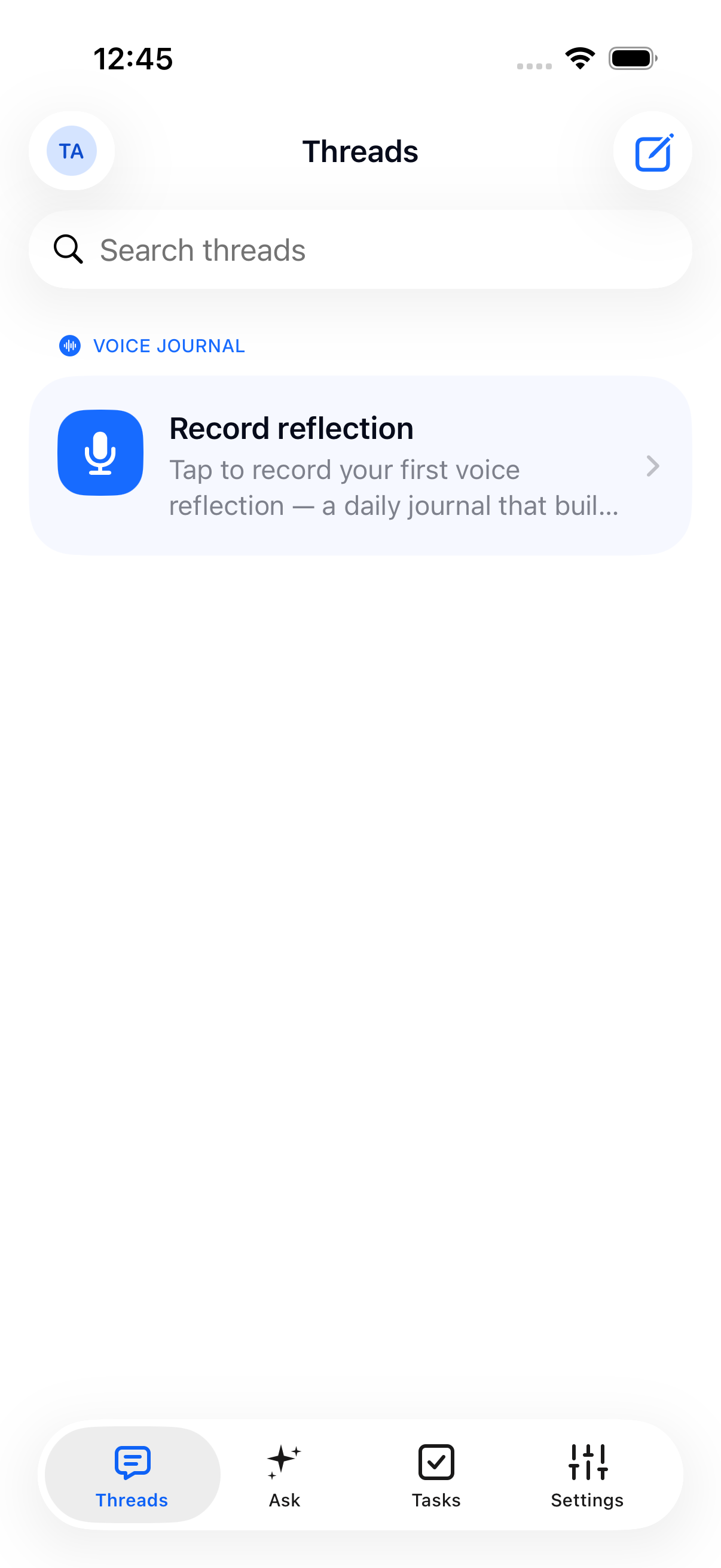
Your conversations start here.
The first-sign-in Threads screen, with an entry to your voice journal.
View full screen Telbox
Voice, text and calls. AI that helps you remember. Clear control over who can read.
Telbox
When is the delivery now?
What still needs a reply?
Where did that come from?
 AI is
on by default and reads content to process it. You can turn it
off.See exactly how
AI is
on by default and reads content to process it. You can turn it
off.See exactly how
Real Telbox screens. Captured from the app.
Actual iOS beta captures, June–July 2026. English UI shown; the current build may differ.
The first-sign-in Threads screen, with an entry to your voice journal.
View full screen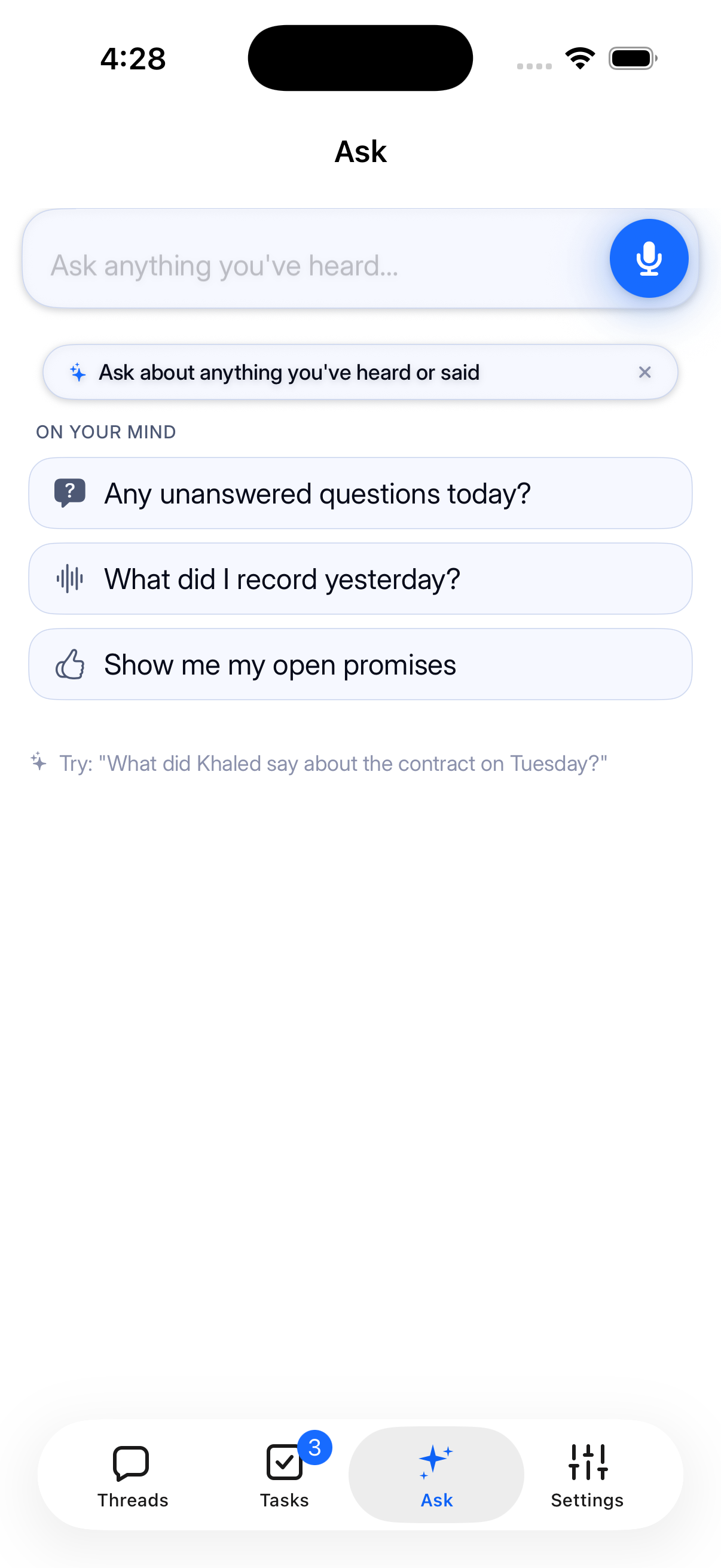
The actual Ask screen, with voice input and suggested questions.
View full screen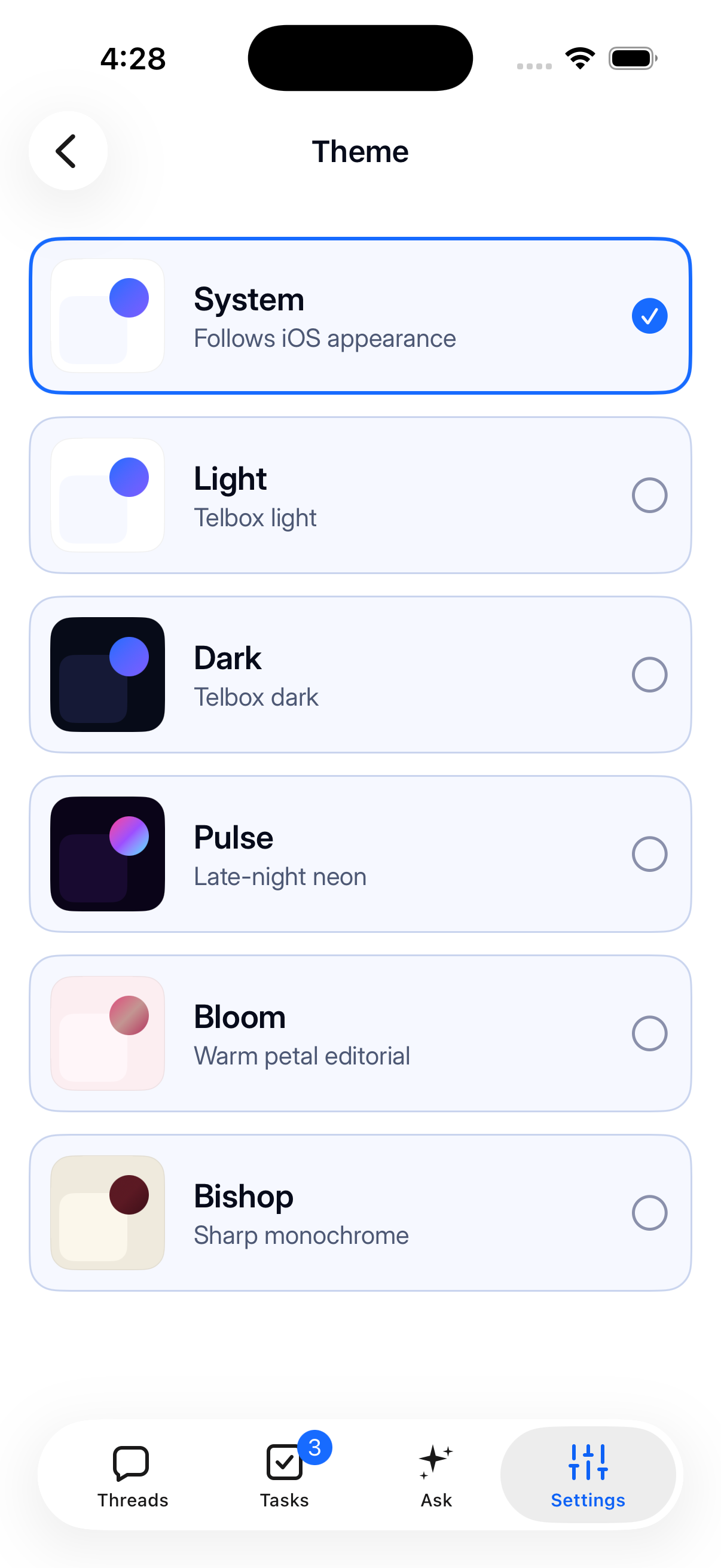
The native theme picker: System, Light, Dark, Pulse, Bloom and Bishop.
View full screenUseful AI needs access. In Telbox, that access has a name, a place in the conversation, and an off switch.
Read the security model
Telbox AINamed reader
AI is a named reader and can process the content of this new conversation.
Illustration only. Turning AI off applies to new messages; it does not erase earlier processing or memories.
Encrypted on the way.Messages and calls travel encrypted. AI processing is a separate, disclosed step.
Control inside the conversation.Either person can turn AI off for a chat. Calls have their own AI control.
Your content stays out of training.Our AI processor is contractually barred from training on your content.
An idea on a walk. A promise on a call. Telbox helps you keep the part you’ll need later.
“A reading nook by the window. Deep shelves, warm light, one really comfortable chair.”A sample thought, captured in your own words.
A reading nook with deep shelves, warm light and a comfortable chair.
Meet Echo“I’ll send the draft today.”Sample conversation. Review capture settings before answering.
“Perfect. I can review it Friday.”
A call can end with a transcript and clear next steps when post-call AI is enabled.
Explore calling“Send the venue options tonight. Let’s choose one by Friday so everyone can plan.”Sample message. One conversation, fewer lost details.
Summaries, next steps and answers connected to the messages they came from.
Explore all featuresA private Telbox deployment for direct conversations between your staff and your customers. Run the business side in your own environment. Reach customers in the Telbox app.
Explore Sovereign CellDeployment by arrangement. Scope and availability agreed for each pilot.
Once you choose to connect, messages from the business arrive in your Telbox app.
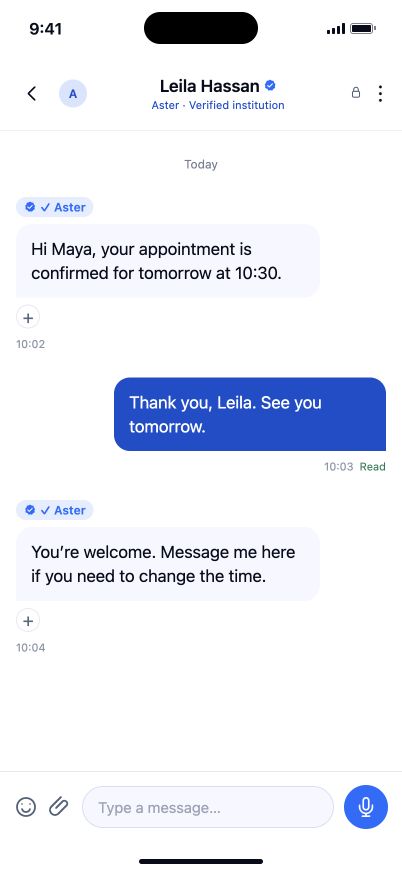
Simulated iOS UI based on the app code. Aster and this conversation are fictional.
View the full phone screenThis is a dedicated deployment, distinct from the managed Private Space membership. About Private Space
Free to start. Plans and pricing